 Guardawallet
: from watch-only access to crypto loans
Updated on
Guarda Wallet is a non-custodial crypto wallet whose uses range from public-address monitoring to crypto-backed borrowing. Watch-only access does not give a device signing authority. Loans accessed through Guarda are provided by CoinRabbit, which holds the pledged collateral and releases it after repayment of principal and accrued interest unless the position is liquidated.
Browse the sections
Monitor an address without importing its keys
A watch-only wallet displays the balance and activity associated with a public address. In Guarda, its setup uses the coin selection and that address. It does not include the private key needed to sign transactions, so this mode suits checking funds on another device without giving that device spending access.
Choose where signing access belongs
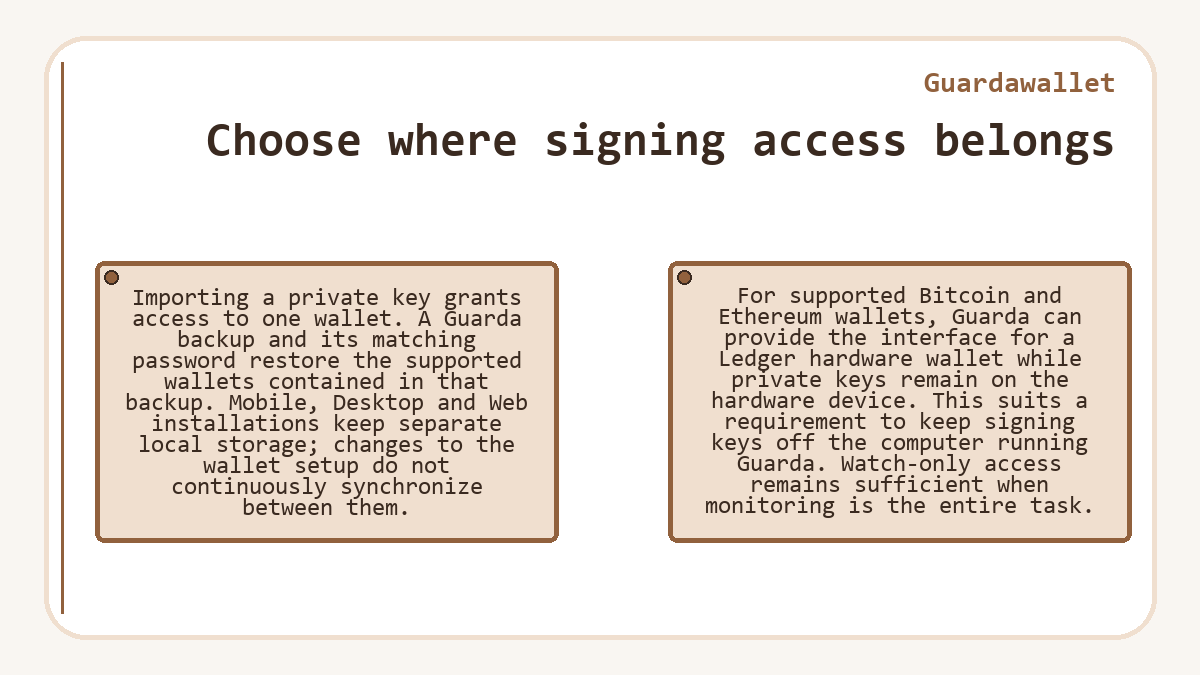
Importing a private key grants access to one wallet. A Guarda backup and its matching password restore the supported wallets contained in that backup. Mobile, Desktop and Web installations keep separate local storage; changes to the wallet setup do not continuously synchronize between them.
For supported Bitcoin and Ethereum wallets, Guarda can provide the interface for a Ledger hardware wallet while private keys remain on the hardware device. This suits a requirement to keep signing keys off the computer running Guarda. Watch-only access remains sufficient when monitoring is the entire task.
Require shared approval for spending
Guarda supports multisig wallets for Bitcoin and Ethereum. Participants and the minimum signature threshold are selected when creating the multisig wallet. Shared approval fits co-owned funds when the required signers can participate.
In a 2-of-2 Bitcoin wallet, the first signature leaves the transaction proposal awaiting the other owner’s signature. Guarda broadcasts the transaction after the second signature; broadcast and network completion are separate stages. A 2-of-3 wallet requires any two of its three owners to sign.
Multisig determines how many approvals spending requires. A hardware wallet determines where a signing key is held. These address different requirements, and neither changes a watch-only address into a wallet that can sign.
Inspect purchase and swap terms before committing funds
Buy & Sell displays available purchase offers and an estimated crypto amount before proceeding with the provider. Compare the fiat payment, crypto received, fees, payment method and receiving address. Offers depend on the cryptocurrency, fiat currency, amount, payment method and region.
The on-ramp provider handles payment and crypto delivery. A displayed estimate is not a completed purchase. Additional verification, payment delays or blockchain congestion can extend processing, so an estimated arrival time is not a delivery guarantee.
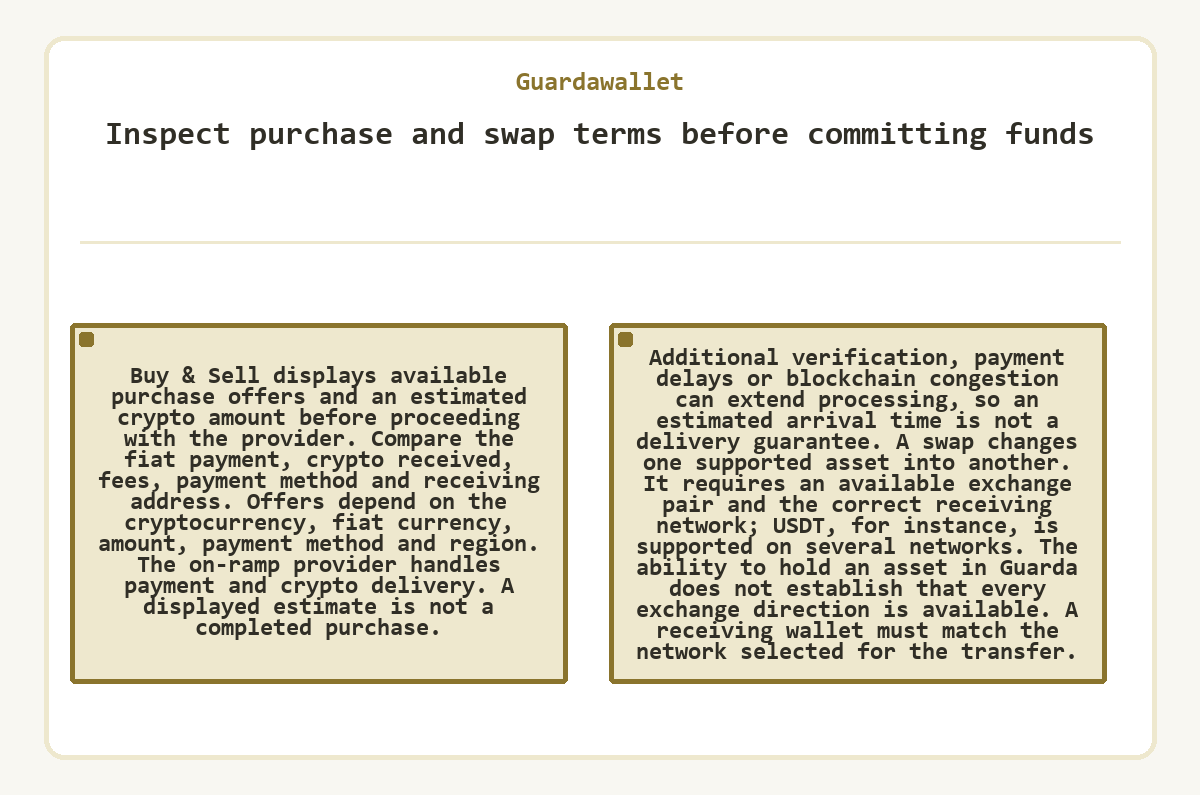
A swap changes one supported asset into another. It requires an available exchange pair and the correct receiving network; USDT, for instance, is supported on several networks. The ability to hold an asset in Guarda does not establish that every exchange direction is available. A receiving wallet must match the network selected for the transfer.
Allow for staking withdrawal conditions
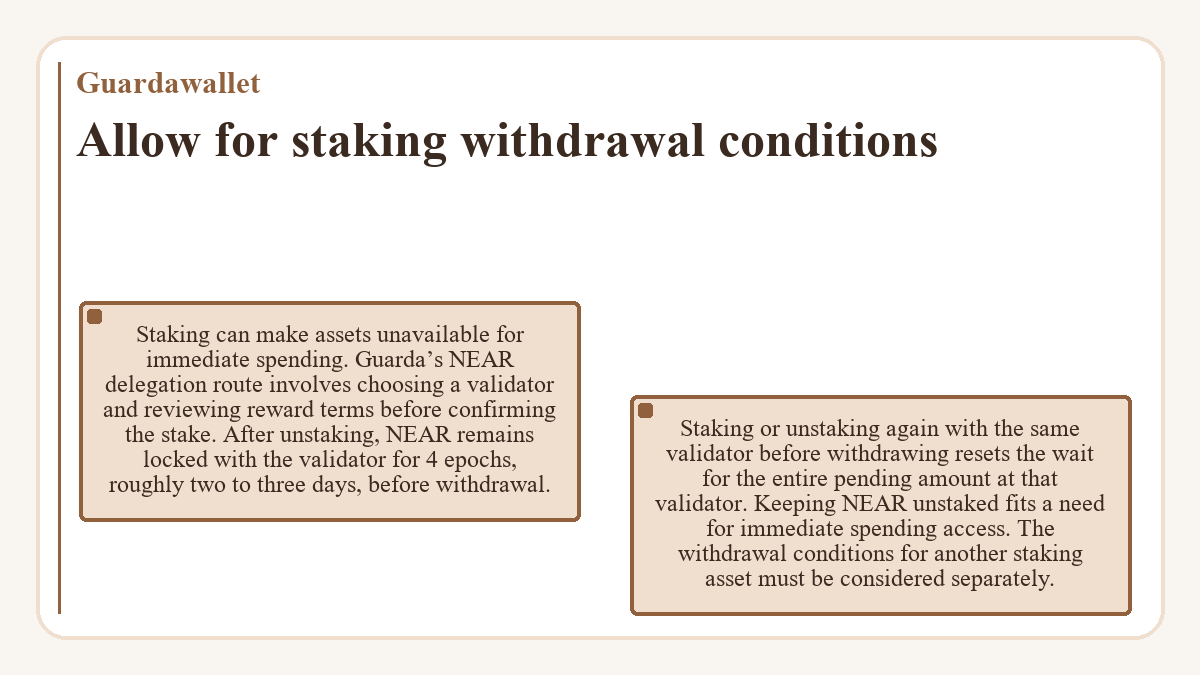
Staking can make assets unavailable for immediate spending. Guarda’s NEAR delegation route involves choosing a validator and reviewing reward terms before confirming the stake. After unstaking, NEAR remains locked with the validator for 4 epochs, roughly two to three days, before withdrawal.
Staking or unstaking again with the same validator before withdrawing resets the wait for the entire pending amount at that validator. Keeping NEAR unstaked fits a need for immediate spending access. The withdrawal conditions for another staking asset must be considered separately.
Borrowing places collateral with CoinRabbit
Guarda provides access to the loan feature, while CoinRabbit supplies the loan, manages the collateral and sets the lending conditions. Guarda does not add its own lending APR. The pledged collateral cannot be spent or withdrawn while it secures the open loan.
In the Loan section, select the collateral, loan amount and available conditions, then enter the payout address. Review the APR, loan-to-value ratio (LTV), liquidation level, collateral amount and repayment terms before confirming and sending collateral. CoinRabbit processes the loan and sends the payout after receiving the collateral and the required blockchain confirmations.
Closing a loan requires repayment of the outstanding principal and accumulated interest. Open the active loan and choose repayment, review the amount due, select the address that will fund the repayment and specify where the collateral should be returned before confirming. CoinRabbit releases the collateral after receiving and processing full repayment. Blockchain confirmation times affect when the repayment and returned collateral appear.
A higher LTV provides a larger loan against the same collateral value but starts the position closer to liquidation. If a sufficient price fall brings the position to its liquidation level, CoinRabbit can sell collateral to cover the debt. Liquidated crypto cannot be returned.
Hypothetical loan value and collateral access
CoinRabbit holds all pledged collateral even when the loan covers only part of its value. Assume a hypothetical eligible holding worth 1842 USD and a hypothetical loan offer at 50% LTV. The calculation
1842 * 50 / 100 = 921
gives approximately 921 USD of loan value.
The 921 USD represents borrowing capacity; none of the pledged holding remains available to spend. Reducing the hypothetical LTV lowers the loan value, while changing the collateral valuation changes the calculation proportionally. The actual payout quantity and liquidation threshold depend on the selected loan terms. Collateral release still requires repayment of principal and accrued interest unless the position is liquidated.
Details worth knowing about Guardawallet
Can the Guarda Web Wallet and browser extension stay signed in together?
No. The paired Web Wallet and browser extension share session behavior: signing in through the extension logs Guarda Web out, and signing in to Guarda Web logs the extension out.