 Guardawallet
 backup
Updated on
A Guarda Wallet backup is an encrypted TXT file containing recovery information for the supported wallets in your saved setup. Restoring it requires the password that matches that file. Check that it decrypts and includes the wallets that you need before deleting older copies.
Save a fresh file after setup changes
Download an updated backup after creating, importing or deleting a wallet, or changing your Guarda password. A previously saved file does not acquire those changes automatically.
- Open Settings on the Guarda installation containing the wallets that you want to preserve.
- Select Download backup and save the TXT file.
- Keep multiple secure copies in different locations, separate from the device that you may need to replace. Store the matching password separately from the backup.
Check the saved file before deleting older copies
Guarda’s Backup Decoder lets you decrypt a backup and inspect its recovery information. Opening the encrypted TXT file as ordinary text does not reveal a readable wallet inventory. Keep the backup and its decrypted contents private. Guarda Support will never ask you to send your backup, password, recovery phrase or private keys.
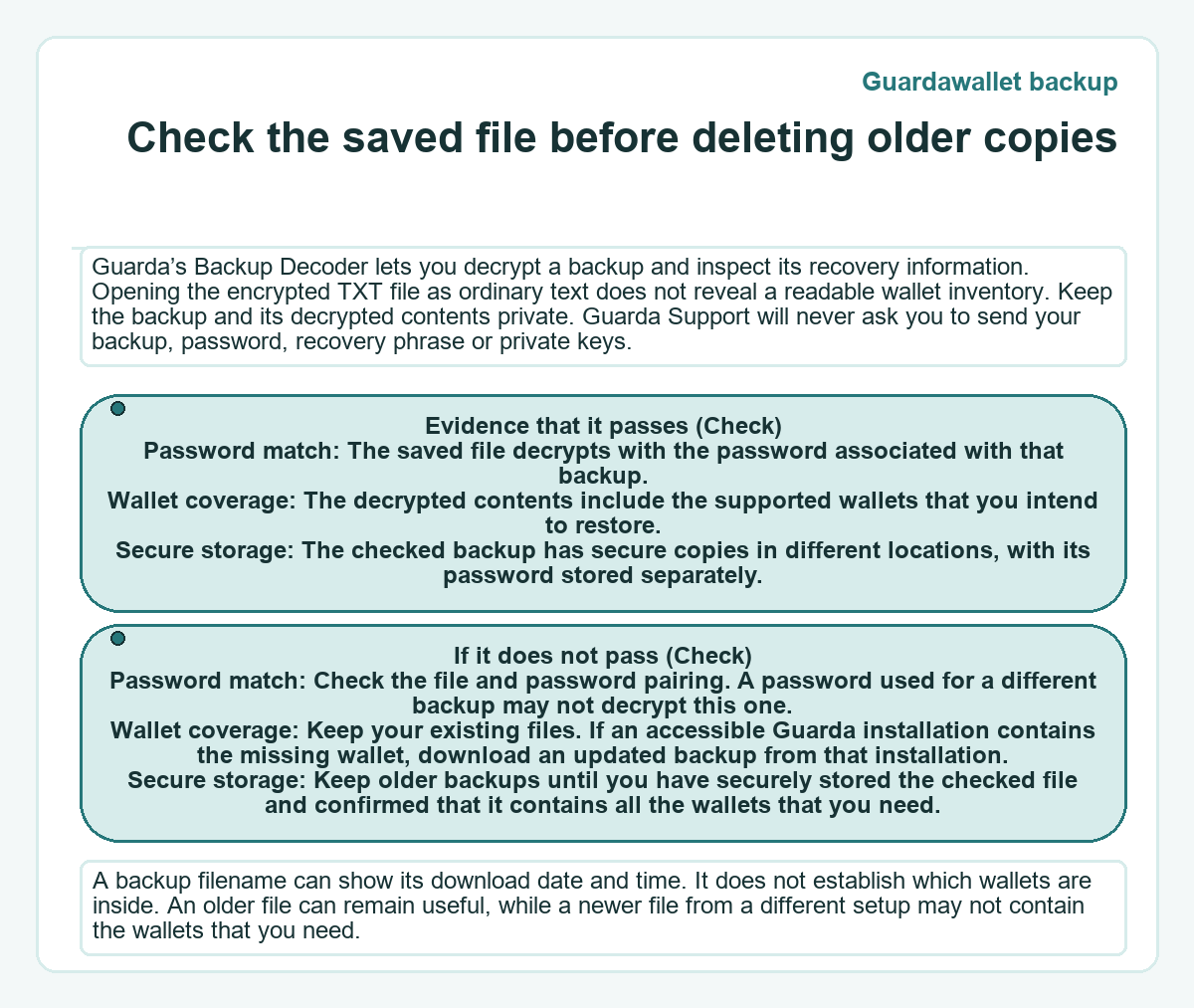
| Check | Evidence that it passes | If it does not pass |
|---|---|---|
| Password match | The saved file decrypts with the password associated with that backup. | Check the file and password pairing. A password used for a different backup may not decrypt this one. |
| Wallet coverage | The decrypted contents include the supported wallets that you intend to restore. | Keep your existing files. If an accessible Guarda installation contains the missing wallet, download an updated backup from that installation. |
| Secure storage | The checked backup has secure copies in different locations, with its password stored separately. | Keep older backups until you have securely stored the checked file and confirmed that it contains all the wallets that you need. |
A backup filename can show its download date and time. It does not establish which wallets are inside. An older file can remain useful, while a newer file from a different setup may not contain the wallets that you need.
Restore the checked setup on another device
Open Guarda on the receiving device, choose "I already have a wallet", import the backup TXT file and enter its matching password. The import restores access to the supported wallets contained in that file without transferring the crypto to a different address.
Independent Mobile, Desktop and Web installations store their wallet data separately. Restoring a backup does not enable continuous synchronization of setup changes. A wallet added later on one installation needs an updated backup to be included when restoring that changed setup elsewhere.
Hypothetical check before clearing browser data
Assume that you have imported an additional wallet and saved a backup both before and after the import. In this hypothetical setup, both files decrypt with the same password and the original browser installation remains accessible. You want to clear its data after restoring all intended supported wallets on another device.
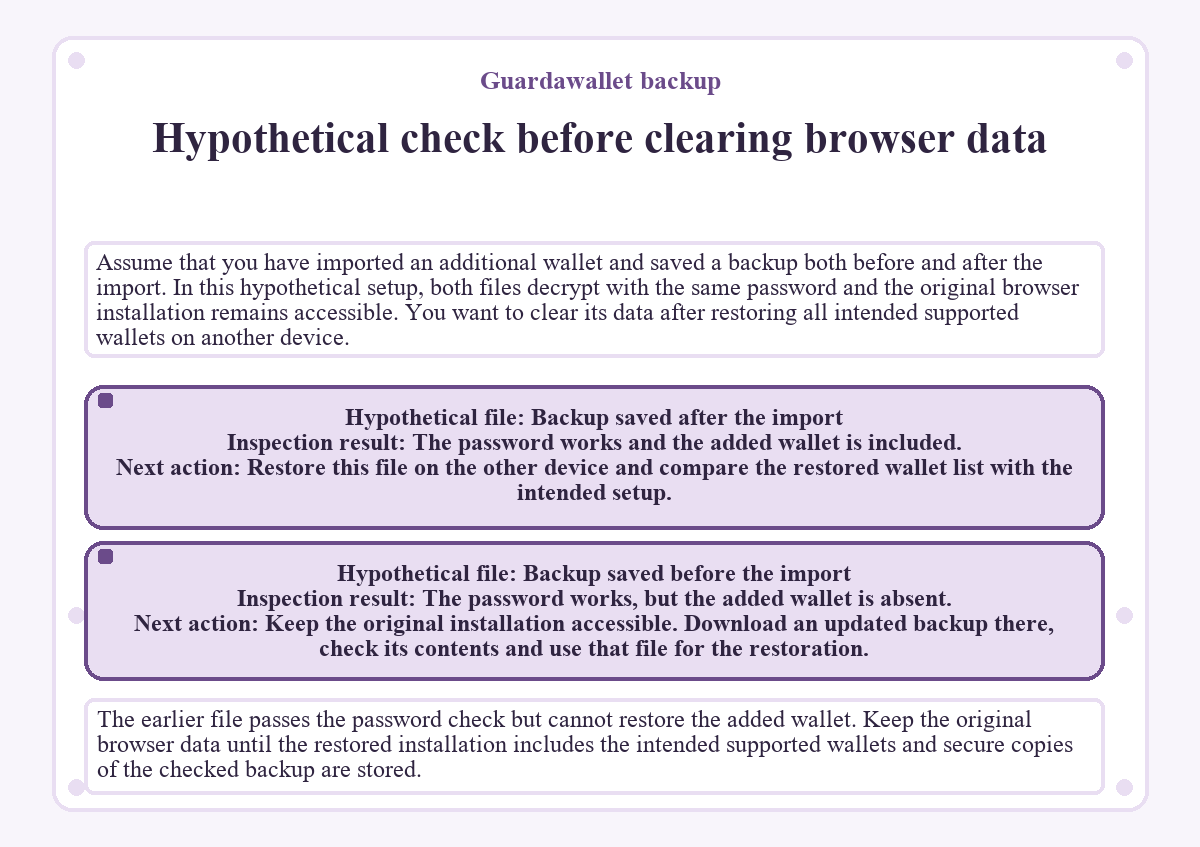
| Hypothetical file | Inspection result | Next action |
|---|---|---|
| Backup saved after the import | The password works and the added wallet is included. | Restore this file on the other device and compare the restored wallet list with the intended setup. |
| Backup saved before the import | The password works, but the added wallet is absent. | Keep the original installation accessible. Download an updated backup there, check its contents and use that file for the restoration. |
The earlier file passes the password check but cannot restore the added wallet. Keep the original browser data until the restored installation includes the intended supported wallets and secure copies of the checked backup are stored.
Recovery options without the matching password
Guarda cannot recover or reset a forgotten password, or identify which password belongs to a saved backup. If you have a separately saved recovery phrase or private key, you can create a new Guarda setup with a new password and restore the relevant wallets using those credentials.
A recovery phrase restores wallets derived from that phrase. Wallets that use a separate recovery phrase need their own recovery information. A private key restores one individual wallet. These routes can recover access without decrypting the old backup, but their coverage may differ from the setup saved in that file.
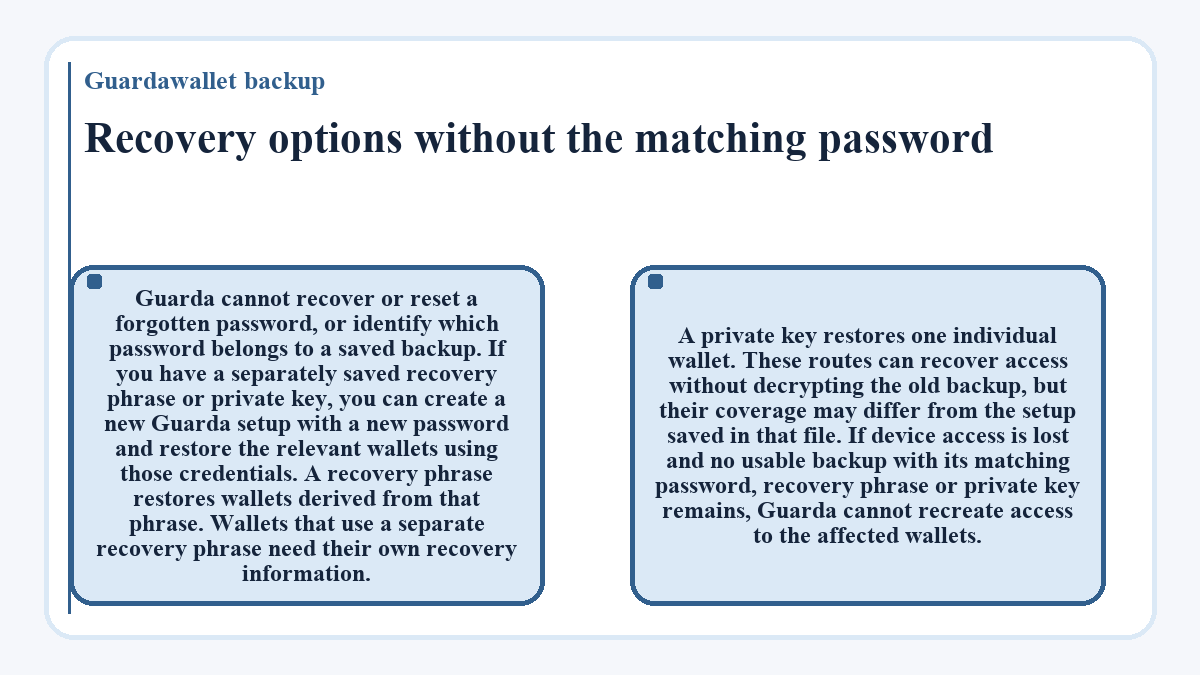
If device access is lost and no usable backup with its matching password, recovery phrase or private key remains, Guarda cannot recreate access to the affected wallets.